
IBO X Player is part of the IBO family of IPTV players. Like IBO Player Pro, it is activated with your device’s MAC address, which makes it convenient on Smart TVs where typing long links is painful.
This guide walks you through the setup step by step with pictures, the best apps to use, the settings that give the smoothest picture and quick fixes for common problems.
What You Need Before You Start
- Your Raccoon TV login: server address, username and password (Xtream Codes) or an M3U link, sent by WhatsApp or email.
- IBO X Player connected to the internet (Wi-Fi or cable).
- A compatible IPTV app: Samsung, LG, Android TV, Fire TV.
No login yet? Request a 24-hour free trial – it takes a few minutes.
How to Set Up Raccoon TV on IBO X Player
Step 1 – Install IBO X Player
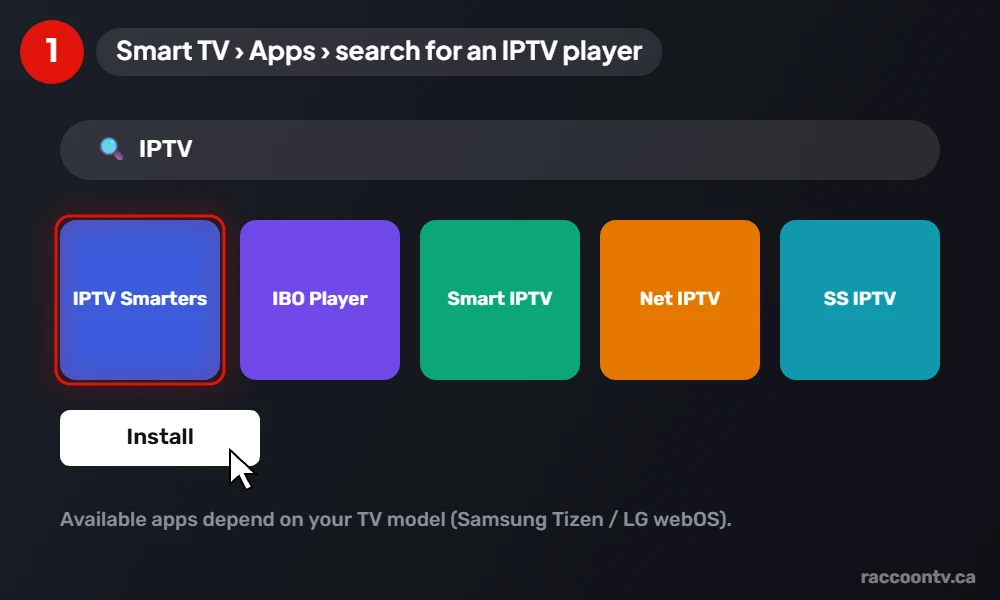
Search for IBO X Player in your Smart TV or Android app store and install it.
Step 2 – Note your MAC address and device key
Open the app: it shows a MAC address and a device key on the start screen. Take a photo of them.
Step 3 – Send them to Raccoon TV
Send the MAC address and key to our team on WhatsApp. We add your Raccoon TV playlist to the app for you – you never have to type a long URL with the remote.
Step 4 – Restart the app and watch
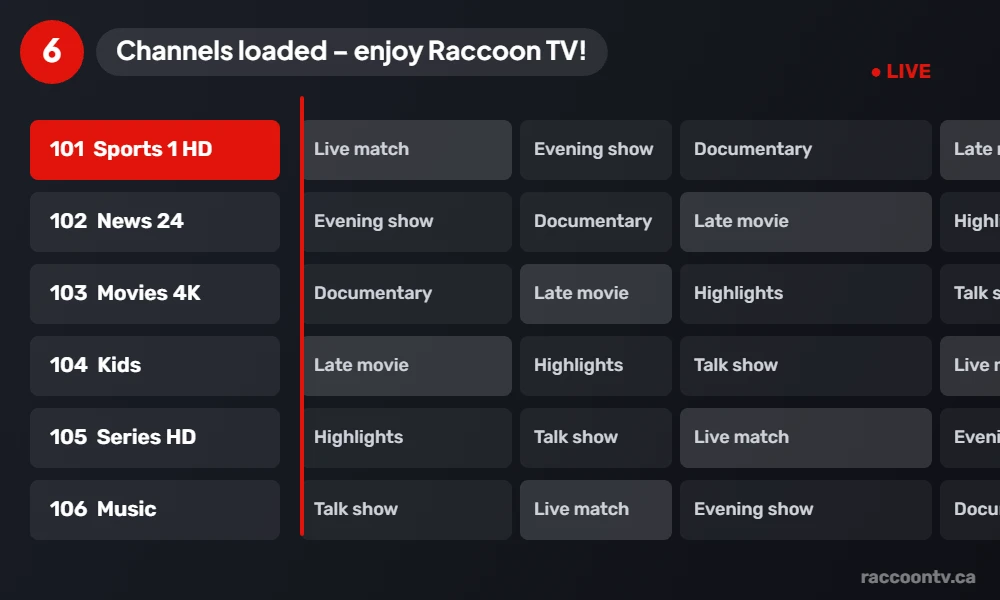
Close and reopen IBO X Player. Your channels, VOD and TV guide appear in a few seconds.
Want help with your IBO X Player? Our team guides you live on WhatsApp.
Get Setup HelpAbout IBO X Player
IBO X Player is made by an independent developer; availability and activation terms depend on your device and the developer’s current offer. Raccoon TV only provides the channel subscription and loads your playlist.
Best Settings for a Smooth Picture
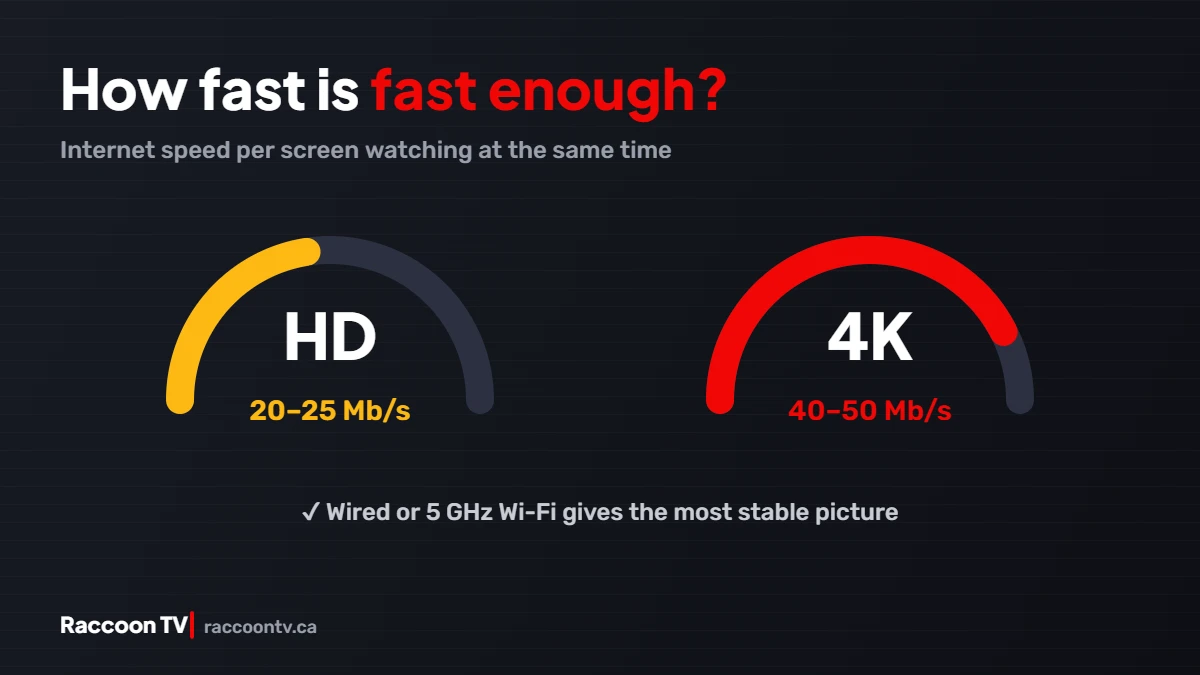
- Use Ethernet or 5 GHz Wi-Fi for the most stable picture.
- Count about 20–25 Mbps per HD screen and 40–50 Mbps per 4K screen.
- Update the EPG (TV guide) from the app settings once a day.
- Restart the device and router if you notice slowdowns.
Troubleshooting
- Login failed: check the server, username and password (capital letters, spaces).
- Channels not loading: restart the app and refresh the playlist.
- Buffering: move closer to the router, switch to Ethernet or 5 GHz Wi-Fi and restart the device.
- Empty TV guide: update the EPG in the app settings.
Test Everything With a Free Trial
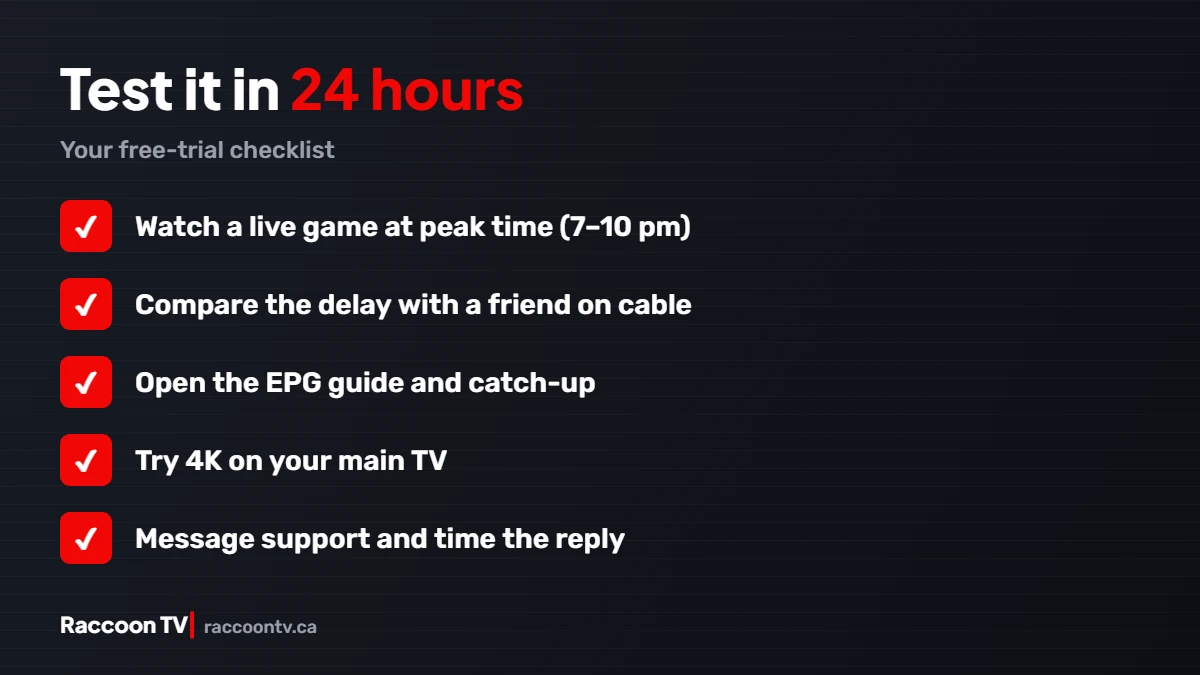
Install your app, then ask for a free 24-hour Raccoon TV trial. Watch a live game at peak time, try 4K and the TV guide, and pick a plan for 1 to 4 devices only if you are happy – with a 15-day money-back guarantee.
Ready to watch on your IBO X Player? Start your free 24-hour trial now.
Get My Free TrialFrequently Asked Questions
Is IBO X Player the same as IBO Player Pro?
They come from the same family of apps with a similar MAC-based setup; menus and features differ slightly.
Can you activate my playlist on IBO X Player?
Yes, send us the MAC address and device key shown in the app and we add Raccoon TV for you.
Is Raccoon TV the best IPTV for IBO X Player in Canada?
Raccoon TV is built for Canadian viewers: 32,000+ channels, 4K, anti-freeze servers and 24/7 WhatsApp support in English and French – and you can test it free for 24 hours on your IBO X Player.
How many devices can I use?
Choose a plan for 1, 2, 3 or 4 devices watching at the same time, from CA$27. Every plan has a 15-day money-back guarantee.
Final Thoughts
If you already use IBO X Player, Raccoon TV fits right in – we handle the playlist setup for you. More guides are on our blog and in the installation guide.